
In this tutorial, we will be looking at customising ABSS to work the way we do using the Easy Setup Assistant.
These settings will only be need to be made once, and you will only need to access this feature again if some setting or criteria changes.
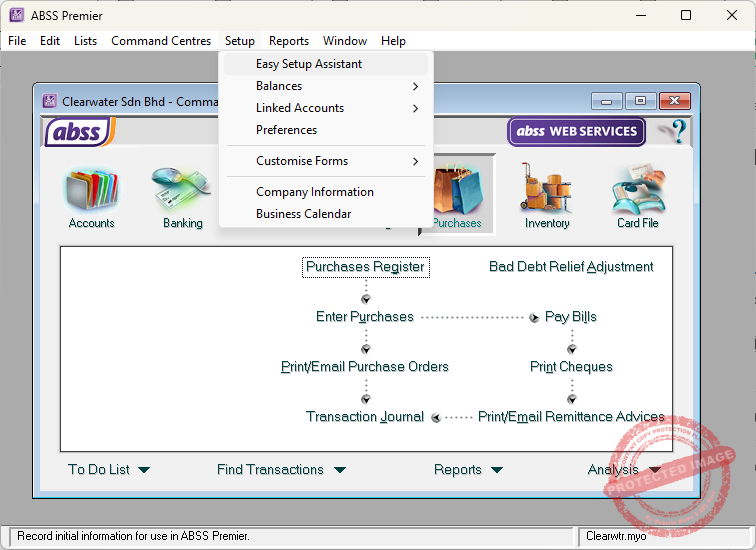
To start, open your ABSS company file, then click on Setup, Easy Setup Assistant.
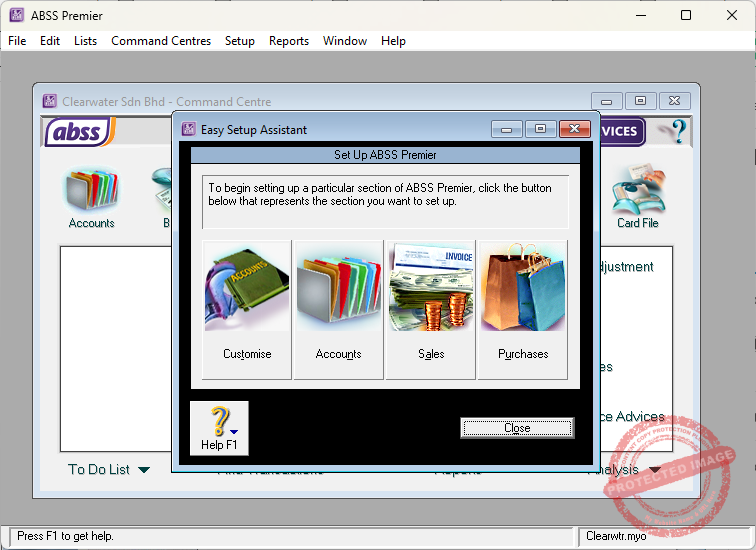
In the Easy Setup Assistant screen, you will see four options:
- Customise
- Accounts
- Sales, and,
- Purchases
Let’s explore each of them.